Announcing: CAVacars 2: Smart Flight Intelligence
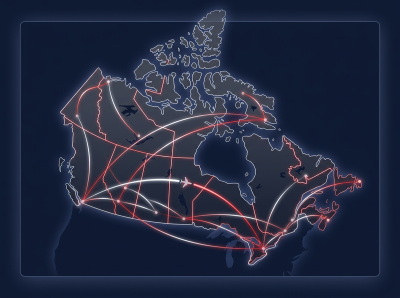
CAVacars 2: Smart Flight Intelligence is here: our own ACARS app, built for Canada Air Virtual and the successor to smartCARS 3.
It does everything you'd expect from a flight tracker, and it's built around how our pilots actually fly, so we can keep adding features that matter to the airline.
What you get
- Find and dispatch flights: scheduled routes, tour legs, charters, events and ferry flights, all in one app. Everything you've dispatched is kept on your Dispatched screen.
- Connects to your sim: MSFS, FSX and Prepar3D, and X-Plane are supported. Start your sim and the app picks it up, with a status bar showing the connection.
- Live map: follow your flight, with weather radar and VATSIM and IVAO traffic around you.
- Flight log and PIREP: your flight is logged from departure to arrival, including your touchdown, and your PIREP is filed from the app.
- Open Flights: host a flight at a time you choose and invite other pilots, or join one from the app or from Discord.
- Pilot chat: chat with the whole airline in the app, and @-mention a fellow pilot to get their attention.
- Stays up to date: Windows pilots get updates automatically, with a simple prompt to apply them. On macOS and Linux, the app lets you know when a new version is out.
Getting started
- Download CAVacars 2 from the CAV website and install it.
- Sign in with your usual CAV pilot login.
- Dispatch a flight, start your sim, and fly.
Are you running an older version of Windows? Look for the Windows 7/8 installer on the download page.
Is something not working, or do you have an idea for a feature? Let us know in Discord. We're actively developing the app and your feedback shapes what comes next.
To learn more about CAVacars 2, visit our Pilot Guide in the Knowledge Base.
See you in the air!